
Cheap scaling and other low quality rendering
Forums:
Source image: https://www.upload.ee/files/19139806/DSC08651.zip.html
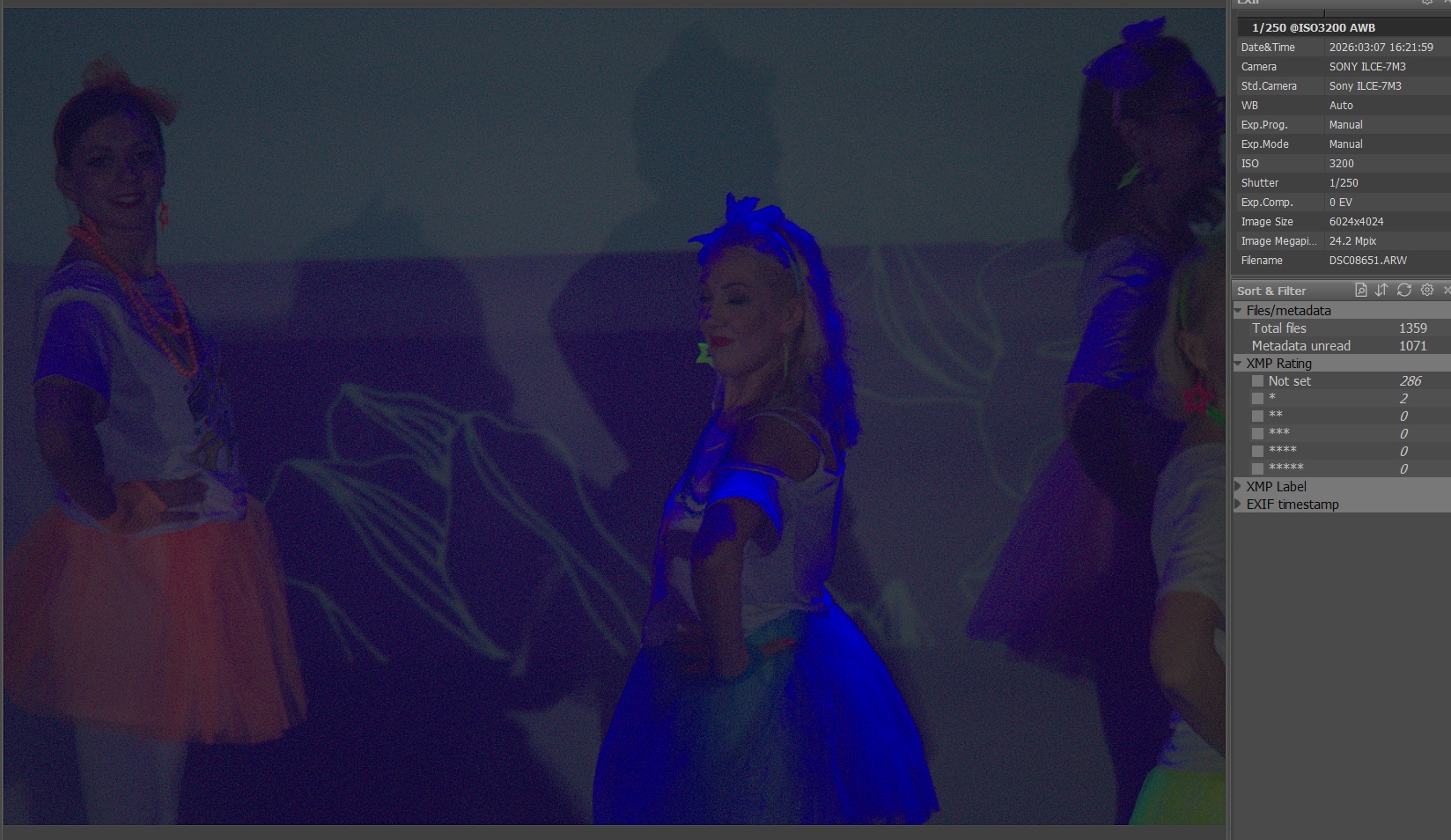
This is how image looks in FastRawViewer you can almost see some grid because of "cheap scaling" algorithm is used by default it does not show on screenshot though, but visible on my monitor.
Also same story in XnViewMP when using some low quality anti-aliasing filter.
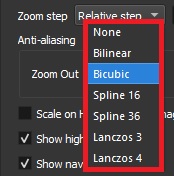
Could you help locate similar options in FastRawViewer?
Also blue color light looks badly, is there way to increase quality?
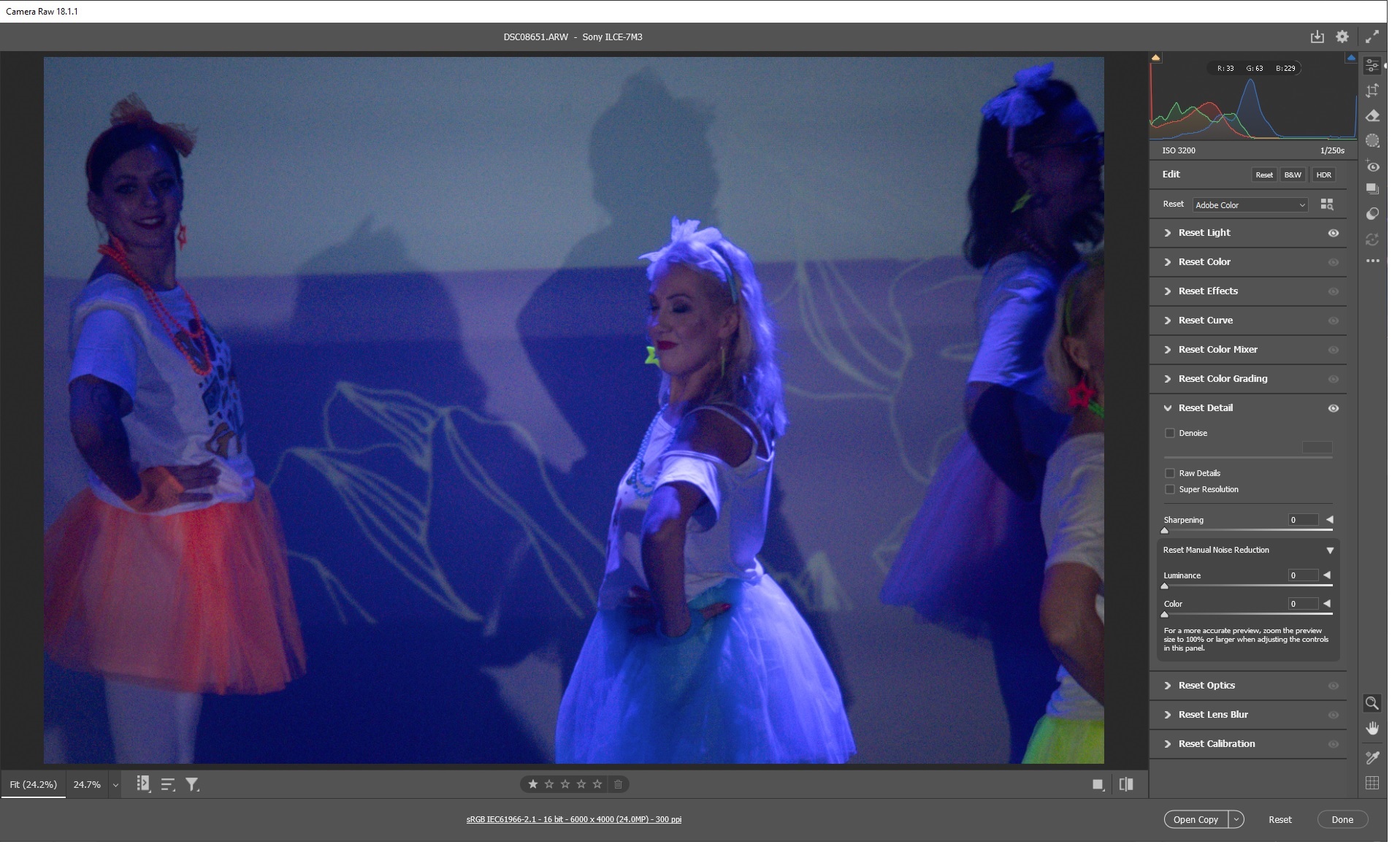
Same image in Photoshop only boosted exposure.
Add new comment