FastRawViewer: bug reports
Submitted by Paulx on Thu, 12/21/2023 - 07:50
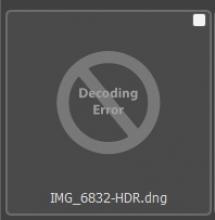
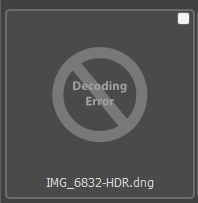
Hi, there is a problem with displaying the preview of the new HDR from lightroom.
Submitted by dnlyko on Mon, 12/18/2023 - 14:50
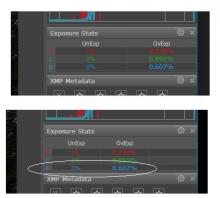
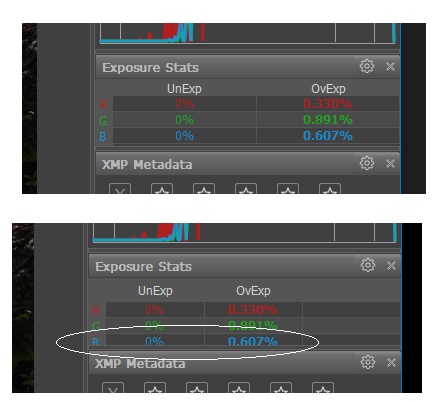
I use a 42" 4K screen and need to widen the side panels. Doing so results in the font characters being cut off at the bottom. Perhaps a tweak in the UI code can remedy it?
Submitted by deejjjaaaa on Fri, 11/10/2023 - 20:33
FRV will open a raw file referenced by a symlink w/o issues, etc - but FRV does not show a thumbnail for it ... it is inconsistent.
Submitted by Mark on Tue, 10/17/2023 - 12:54
FRV 2.0.7 on macOS 13.5.2 with GFX100s RAW.
If I click to enabled either 'Display contrast edges' or 'Display fine details', the image viewer is corrupted. At low magnifications I see a corrupted image. At larger magnifications (such that the image is cropped by the display window size), all I see is a blank space.
If I then select another image and/or move back to the first image, the display is as expected.
Problem occurs both regardless of the GPU options in preferences.
Submitted by PhotoMan on Fri, 09/29/2023 - 11:37
When i open folder with images and then open full screen one of the images and use right arrow on keyboard to scroll sometimes there's like tens and hundreds of images and instead of pressing the arrow key for may times i hold it down to scroll trough files quickly.
However once i hold it for couple seconds and then let go FastRawViewer still continues to scroll for few seconds actually scrolling past the image where i wanted to stop.
Submitted by sport on Sat, 08/05/2023 - 16:19
Hi.
Thx for this great update with HEIC support.
The Nikon Z8 High effecientie HEIF images works without no problem. except.
There is no exif information?
I have the latest version off FastRawviewer.
Submitted by Tord Andreasson on Thu, 07/13/2023 - 12:12
Hi,
I run version 2.0.5 on a Windows 10 64 bit desktop.
Quite often, viewing RAW files in 2-window mode crashes the application. I use Olympus gear (ORF format) if that matters.
Kindly let me know what additional information I need to supply to help you trouble-shoot and fix the issue.
Best Regards
Tord Andreasson
Any reason why my ARW files don't show a picture?
Submitted by closer404 on Mon, 02/06/2023 - 00:42
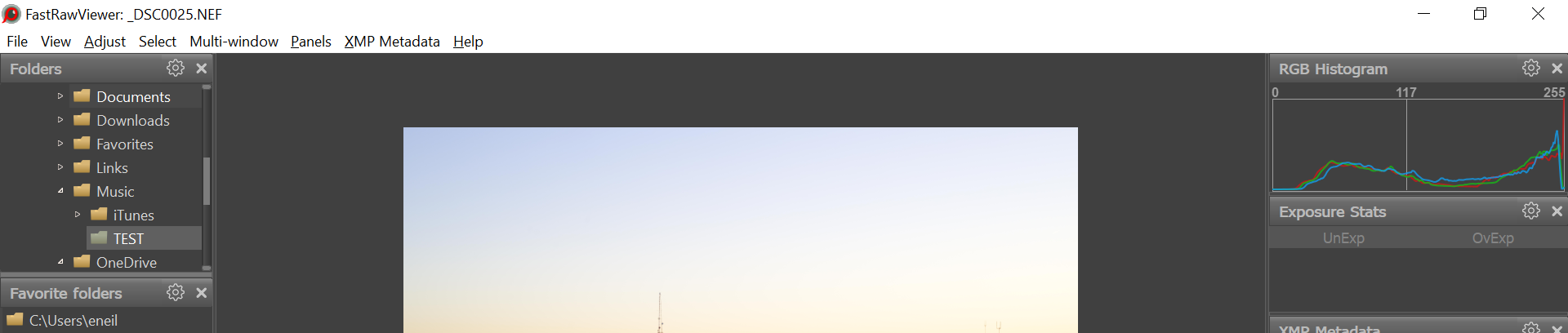
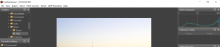
My exposure stats pane is completely empty. These are Nikon .nef raw files. Not sure what the problem is
\
Submitted by YourGoodPalJeff on Thu, 02/02/2023 - 12:06
This happens with both "Fine Details" and "Contrast Edges". I don't know if you can really see it in the attached image. It looks like one of those old-school sliding tile puzzles where you move the tiles around to make a picture. In this case, the photo was broken into rectangular regions and wasn't shown on the screen in the proper order. Toggling out of this mode puts the picture back to its proper image with nothing out of order.
FRV version 2.0.5, Build 1945. Windows 11.
New PC with most current video driver (ASUS TUF 3070 TI).
Pages