FastRawViewer: questions, suggestions, feature requests.
Submitted by Shadow on Sun, 03/08/2026 - 16:41
I'd like a new panel created for adding custom tag's like Adobe Bridge. I would like to be able to pick and add custom tags from a file structure.
This would aid selecting, viewing, copying and rating images. For example best image of each player during a game of football. Tag only good images of players and then show player 'X' photos and rate those photos.
I'm a photo hobbyist. Been using FRV for several years to cull-out RAW images, but never tried to fine tune it. My rig is relatively fast with plenty of storage from the two SSDs, i7-8core CPU, 32GB RAM, and a RTX 4060 card. I have just downloaded and installed the newest FRV, 2.0.10, but have not changed any of the chosen preferences that came with the download. I was wondering what changes, if any, in GPU Processing, as a starter, might be beneficial. Of course, any other suggestions will be appreciated.
Submitted by M.A. on Mon, 01/19/2026 - 12:30
Please implement batch exposure correction. Current solution "apply to the next file" is very limiting and usable only in certain situations.
thanks
Submitted by offtopic on Thu, 01/15/2026 - 14:03
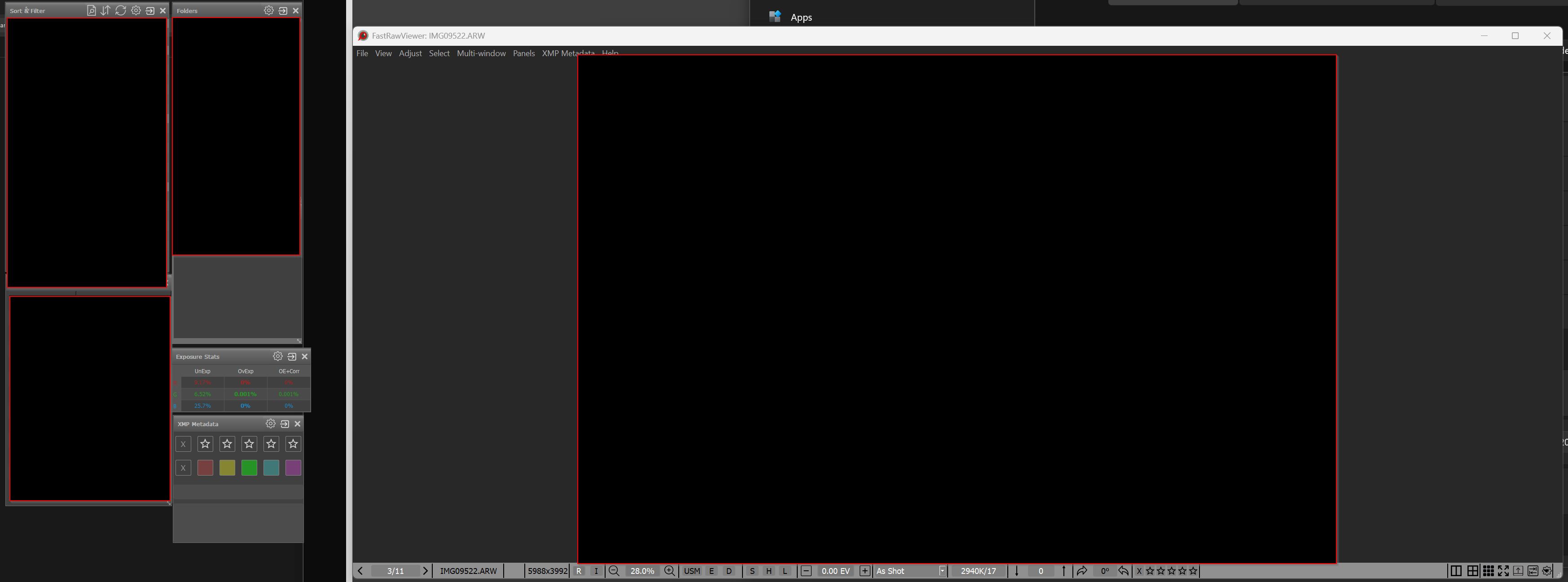
I arranged the tools windows on my second monitor and saved it via "save workspace" -> 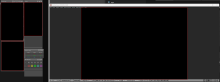
I've read the user manual and tried two different ways to use the macro to add Affinity.
1. clicked on the ... browse button and added the macro into the file name - get error message saying the file cannot be accessed by the system - see attached file untitled
2. Next I just pasted the macro into the next available space in the External Editors Preferences menu to add an external programme and clicked OK. - see attached file '.Effort 2'
Submitted by Joe Lipski on Fri, 12/26/2025 - 12:46
Would it be possible to add a preference option to automatically override the file name comflict dialog? I make extensive use of the copy/move commands when culling files. Occasionally, I'll hit conflicts, both legitimate and ones where I'm trying to copy the same file twice. When this happens, a "File name conflict" dialog appears asking me to "Auto Resolve", "Replace", or "Skip". It would save me time if there was an option to not have the dialog appear and automatically select the "Auto Resolve" option for me by default.
Submitted by Joe Lipski on Fri, 12/26/2025 - 09:47
Hi All - I'm a big fan of FastRawViewer. I use it almost daily.
Would it be possible to add an option to the Preferences->Interface->Zoom->Common zoom settings -> Image Zoom on Next file that combines the "Fit to window" and "Keep zoom ratio" option into a single option.
Note: I have the Zoom In/Zoom Out range set to "Fit window".
Submitted by Motofocus on Sun, 12/21/2025 - 01:06
Hi FastRawViewer team.
Just wondering how the process for supporting new camera releases takes place?
In my case, I have just bought a the new Sony A7 V. Do you have to wait for an official RAW spec from Sony before LibRAW gets updated by maintainers?
Compressed Lossless IS SUPPORTED. It's just the other lossy formats are not.
This seems to be the case for the other editing software I'm using at the moment. Although Photo Mechanic can read the jpg thumbnails of all the A7 V RAW formats which I find intriguing.
Cheers!
Submitted by reframecreative on Fri, 12/19/2025 - 12:28
First time commenter, longtime user. Absolutely love this program. thanks to all the devs!
Feature Request - I'd love the ability to save a few discrete workspace layouts to recall as needed in different scenarios. It seems like the hard work here has perhaps already been done given the ability to save/load a single workspace layout, so hopefully this is not a significant ask.
Thanks!
Submitted by Glyn on Tue, 12/09/2025 - 03:51
I am trying to follow the instructions without success.
i want to rate some images, then select them and display only them in file manager or finder. Only 1 of the selected images are highlighted in either managers.
what i really want to do is pass the selected images to DXO pureraw, but it seems that DXO will process the images if a rate has been added; pity!
Any ideas how to follow this workflow?
TIA
Glyn
Pages