FastRawViewer: bug reports
Submitted by ScottinPollock on Sun, 04/14/2019 - 09:22
Hello there…
So I have been using FRV for about a week now and have been pretty happy with it. But just recently I was accessing some images on a shared volume of a Mac Mini (running Snow Leopard) from a MacBook Pro (running High Sierra). I was in a folder of nef files and had rejected a few, and then moved to some other images using the arrow keys when it went unresponsive.
Submitted by Doug Stead on Wed, 04/10/2019 - 02:35
Hi I updates my Window 10 desktop to the FRV 1.5.0 version. At the same time I updated the AMD HD 7600 graphic card driver as per isntruction. I then was using FRV and when I zoom using Crtl+1, both scrfeenwent black and the no signal message came up on both screens. A hard rebpoot is required to bring video back,. I have reverted back to previous prior latest version of FVR. While doing this Windows installed it's latest verion.
Now the older verion os FVR also crashes the video. Has anyone else seen an issue like this?
OS Name Microsoft Windows 10 Pro
Submitted by ScottinPollock on Mon, 04/08/2019 - 11:31
Hello,
I just found out a possible bug, here how I discovered.
Hello,
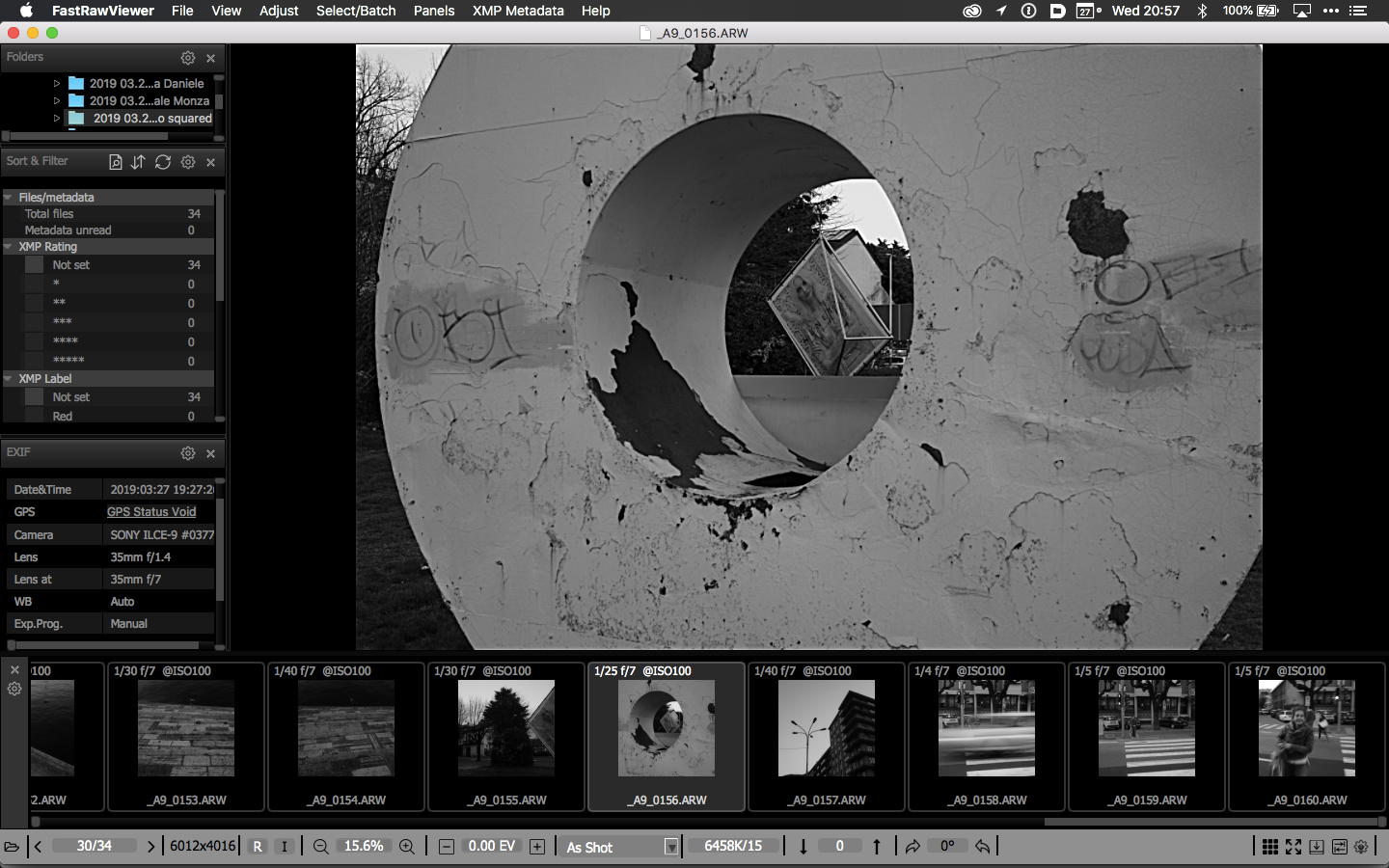
I just upgraded my Sony A9 to firmware 5.0 and finally started using the 1:1 aspect ratio.
The filmstrip properly show the squared images while the single image view still show the 3:2 aspect ratio.

Submitted by sport on Fri, 12/07/2018 - 19:19
Hi.
I did a new install off windows 10 and Fastrawviewer latest version (1.4.9 1358 X64 open gl).
But the photo's wont open in photoshop?
Submitted by Kimberley on Thu, 12/06/2018 - 23:25
Hi team,
When setting a photo to reject using X key shortcut, I can no longer Undo the action either by using Command-Z or navigating to File > Undo reject for 1 file.
This seems to be a new bug as I've never previously had an issue with it.
Running a fully up-to-date version of FRV on MacOS Mojave 10.14.
Currently having to manually move file from Rejects folder back to original destination which obviously isn't ideal!
Thanks, Kimberley.
Submitted by Fritz @ Looktou... on Mon, 11/26/2018 - 11:26
Hi there!
I am using Adobe LR Classic CC 8.0 and FRV 1.4.9 (great tool BTW! I just noticed an interoperability problem regarding color labels assigned by FRV. Language settings seem to be an issue here.
xmp file excerpt (the line numbers are not really in the file) written by LR:
019 xmp:CreatorTool="ILCE-7RM3 v1.01"
020 xmp:ModifyDate="2018-10-26T14:29:56"
021 xmp:CreateDate="2018-10-26T14:29:56"
022 xmp:MetadataDate="2018-11-26T15:47:30+01:00"
023 xmp:Label="Rot"
024 xmp:Rating="4"
Submitted by pbadams3@gmail.com on Mon, 10/01/2018 - 03:51
When increasing or decreasing contrast using either Menu,Adjust, hotkeys or clicking on the arrows on the bottom bar...The adjustment is made to the selected image BUT/AND FRV moves to another selected image! It is moving to one of the earliest images for the current filter. This behavior does NOT occur when no filter is set. Please advise.
Thanks
Submitted by Jack Hogan on Tue, 09/25/2018 - 04:49
1) Set up FRV for two monitors in Windows 10 'Extend' mode, with tabs tiled on monitor 1 and the main window on monitor 2
2) Close FRV
3) Switch Win 10 to one monitor mode, 'PC Screen Only'
4) Open FRV, the main window will now show underneath the tabs as previously set up in monitor 1
5) This is not practical so switch Win 10 to two monitor 'Extend' mode and drag the main window to monitor 2
6) Click on an item in the bottom bar on monitor 2 (e.g. white balance), the relative menu will show in monitor 1
Pages